Fake Crypto Wallet Apps: How to Spot One Before You Install
Fake crypto wallet apps have passed Google Play and App Store review with good ratings. How they work, five checks before you install, and what to do if you did.
Video coming soon.
Key takeaways
- Fake wallet apps have reached official app stores. Check Point Research found one on Google Play that stayed up nearly five months and passed 10,000 downloads.
- Star ratings and download counts can be faked. A fake Leather wallet app on Apple's App Store had a 4.9 rating while the real company had no iPhone app.
- Start from the wallet company's own website, then match the publisher name in the store letter by letter.
- A wallet app that asks for your recovery phrase to verify, sync or claim something is an attack.
- Deleting a fake app doesn't undo a typed phrase or a signed approval. Move what's left to a new wallet and revoke approvals.
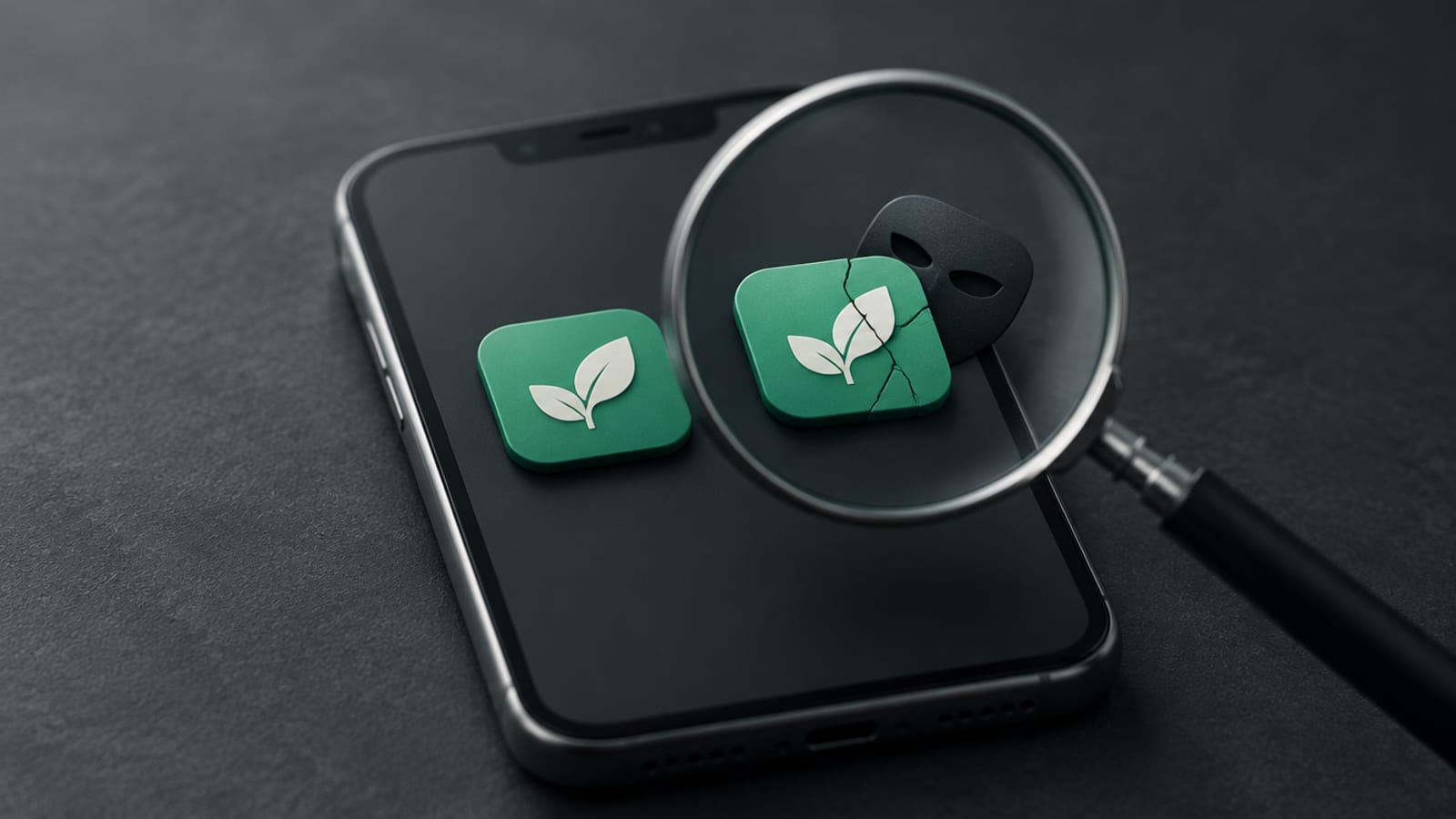
A fake crypto wallet app copies a real wallet’s look to steal your recovery phrase or trick you into signing approvals. Spot one by starting from the wallet company’s own website, matching the publisher name in the store, reading recent reviews, and never typing your phrase into an app that asks for it unprompted.
The official store, a high star rating and a big download count are not proof. All three were present on fakes documented by security researchers in 2024. Your wallet app is the front door to your coins, so the check before you tap install matters more than almost any other habit.
How do fake crypto wallet apps end up on your phone?
Fake crypto wallet apps end up on phones in two main ways: a stranger talks you into installing one, or you find one yourself in a store. In a July 2022 notice, the FBI said it had identified 244 victims of fake crypto investment apps, with estimated losses of about $42.7 million. Criminals contacted investors, claimed to offer crypto investment services and convinced them to download the apps.
In one case the FBI described, the app used the name and logo of a real US financial institution. At least 28 victims lost about $3.7 million. When some tried to withdraw, they were told to pay taxes first, and still couldn’t get their money out.
If a stranger is choosing your wallet app for you, that is your answer. You don’t need to check anything else.
Can a fake wallet app get past Google Play and Apple review?
Yes, fake wallet apps have passed official store review. Check Point Research reported in September 2024 that a fake app using the WalletConnect name sat on Google Play for “nearly five months before being removed.” It passed 10,000 downloads, and the firm said it victimized more than 150 users, with losses above $70,000.
WalletConnect is a real open-source protocol that links wallets to apps, not a wallet you download. Check Point said a beginner could easily think it was a separate wallet app. The fake was first published on March 21, 2024 as a calculator, and its name was changed several times. According to the researchers, reviewers and automated checks saw a harmless calculator, while targets saw a wallet screen.
Apple’s side is not immune. Apple said that in 2025 it removed nearly 59,000 apps for “bait-and-switch” behavior, meaning apps approved as one thing that later changed into another. Approval tells you less than you’d hope.
Can you trust wallet app ratings and download counts?
No, wallet app ratings and download counts can be faked. Check Point said fake reviews helped the Google Play app pass 10,000 downloads and rank high in search, and that the reviews didn’t even match what the app did.
On iPhone, BleepingComputer reported in March 2024 on a fake version of the Leather crypto wallet in Apple’s App Store. It had a rating of 4.9 out of 5. The real Leather team had made clear it did not yet offer an iOS app, so the fake was the only one to find. It was published under the name “LetalComRu.” Apple confirmed to BleepingComputer that the app was removed.
How do you check if a crypto wallet app is real?
You check a crypto wallet app by tracing it back to the company that makes it. Five checks cover most cases:
- Start from the company’s own website. MetaMask’s help center says never to download MetaMask from anywhere other than its official download page or official extension stores. Ledger recommends getting its app only through its own website. Type the address yourself or use a saved bookmark, not an ad, search result or link someone sent.
- Confirm the company makes a phone app. The fake Leather app worked because no real one existed.
- Match the publisher. Compare the developer name in the store, letter by letter, with the company on the official site. On Google Play, the app page has an “App support” section with the developer’s details.
- Read recent and low reviews. Look for warnings like “asked for my phrase” and for reviews that describe real features. An app that started as a calculator, or changed its name several times, is a reason to walk away.
- Never type your recovery phrase on request. MetaMask says: “No legitimate MetaMask website will ever ask for your Secret Recovery Phrase.” Ledger says never to enter its 24-word recovery phrase “on any computer, smartphone or other internet-connected device.”
| Signal | Can it be faked? | What to check instead |
|---|---|---|
| Listed in the official store | Yes, fakes have passed review | Link from the maker’s own website |
| High star rating | Yes, 4.9 on a documented fake | Recent and low reviews, real features described |
| Large download count | Yes, 10,000+ on a documented fake | Publisher name matches the company |
| Familiar name or logo | Yes, borrowed from real brands | Whether the company makes this app at all |
Should a wallet app ever ask for your recovery phrase?
A wallet app should only ask for your recovery phrase when you choose to restore a wallet, in an app you have already checked. A pop-up asking for your phrase to verify, sync or claim something should be treated as an attack. Our guide to what a seed phrase is and how to store it covers why.
Approvals carry a similar risk. Check Point said the fake app asked users to connect their wallet right away, then to “sign several transactions consecutively.” One of those can be an approval, which the firm describes as granting another address permission to spend your tokens. You keep your phrase, but you hand over part of the wallet.
What should you do if you installed a fake wallet app?
If you installed a fake wallet app, delete it, but don’t stop there, because deleting doesn’t undo anything you typed or signed. MetaMask’s help center says that if you enter your phrase on a fraudulent site, “your wallet is compromised.”
- Delete the app from your phone.
- Create a brand-new wallet with a brand-new phrase, in an app you have checked.
- Move whatever is left into it, starting with a small test amount.
- Revoke approvals you don’t recognize. Check Point notes the attacker can keep using a permission until it is revoked. Our guide to revoking token approvals explains how.
- Report it. The FBI says anyone who believes they are a victim of online fraud should contact their bank immediately and file a complaint at ic3.gov. Report the app to the store as well.
Be wary of anyone who then offers to get your crypto back for a fee. Our piece on crypto recovery scams explains that pattern.
What to watch next
Official stores do stop a lot. Apple said it rejected more than 2 million app submissions in 2025 and terminated 193,000 developer accounts over fraud concerns. But a filter that catches most fakes is not one that catches all of them. With most apps, a bad download costs a few dollars. With a wallet app, it can cost everything in it. Run the five checks once per wallet app, and again whenever you get a new phone.
Sources
- Check Point Research: WalletConnect scam case study (Sep 26, 2024)
- FBI Private Industry Notification 20220718-001 (Jul 18, 2022)
- BleepingComputer: Fake Leather wallet app on Apple App Store (Mar 11, 2024)
- Apple Newsroom: App Store fraud prevention in 2025 (May 20, 2026)
- MetaMask Support: How to verify the real MetaMask wallet
- Ledger Academy: Keep My Crypto Safe: 6 Essential Rules
- FBI: Operation Level Up (Feb 13, 2025)
Sources
Frequently asked questions
How do I know if a crypto wallet app is real?
Go to the wallet company's official website by typing the address yourself, follow its link to the app store, and check that the publisher name matches the company exactly. Also confirm the company actually makes a phone app.
Are crypto wallet apps in the Google Play Store and Apple App Store safe?
Official stores are a safer start than random downloads, but fakes have gotten through. Check Point Research documented a fake wallet app on Google Play in 2024, and BleepingComputer reported a fake Leather wallet app on Apple's App Store the same year.
Should a wallet app ever ask for my recovery phrase?
Only when you choose to restore a wallet in an app you have already checked. MetaMask says no legitimate MetaMask website will ever ask for your Secret Recovery Phrase, so a pop-up asking for it to verify or sync your wallet is a red flag.
I typed my seed phrase into a fake wallet app. Is deleting the app enough?
No. MetaMask's help center says that if you enter your recovery phrase on a fraudulent site, your wallet is compromised. Create a new wallet with a new phrase in a checked app and move whatever is left.
Where do I report a fake crypto wallet app?
The FBI asks fraud victims to contact their bank right away and file a complaint at ic3.gov. Report the app to the store too, so it can be removed.
Education and commentary only, not financial advice. Crypto is volatile and you can lose money. Do your own research and speak to a qualified advisor before making investment decisions. Figures are as of October 29, 2026 and may have changed since.