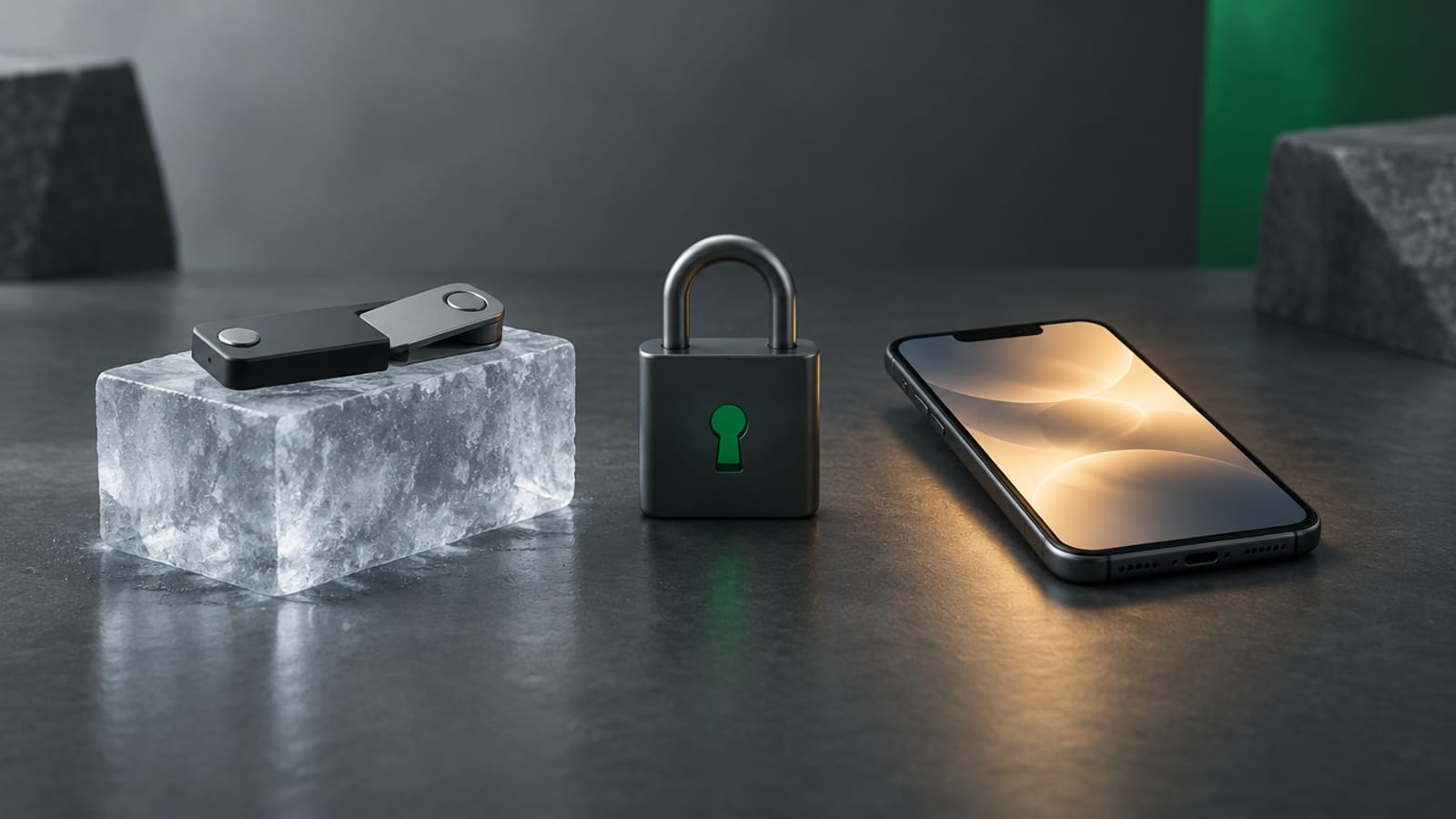
Tangem Wallet Review: How It Works and What to Check for XRP
Tangem Wallet stores crypto keys on NFC cards instead of a seed phrase. How the cards and backups work, XRP and trust line support, setup steps and the risks.
Video coming soon.
Key takeaways
- Tangem Wallet is a hardware wallet made of NFC cards or a ring, sold in sets of two or three. The private key is created inside the card's chip.
- Backup works by copying the key to one or two extra cards during setup. You cannot add more cards to that wallet later.
- Tangem offers an optional 12- or 24-word seed phrase. Without one, losing every card means losing the funds.
- The Tangem app supports XRP and XRP Ledger tokens with trust lines, but cannot close a trust line.
- A card protects your key, not your judgment. It will still sign a scam transaction if you approve it.
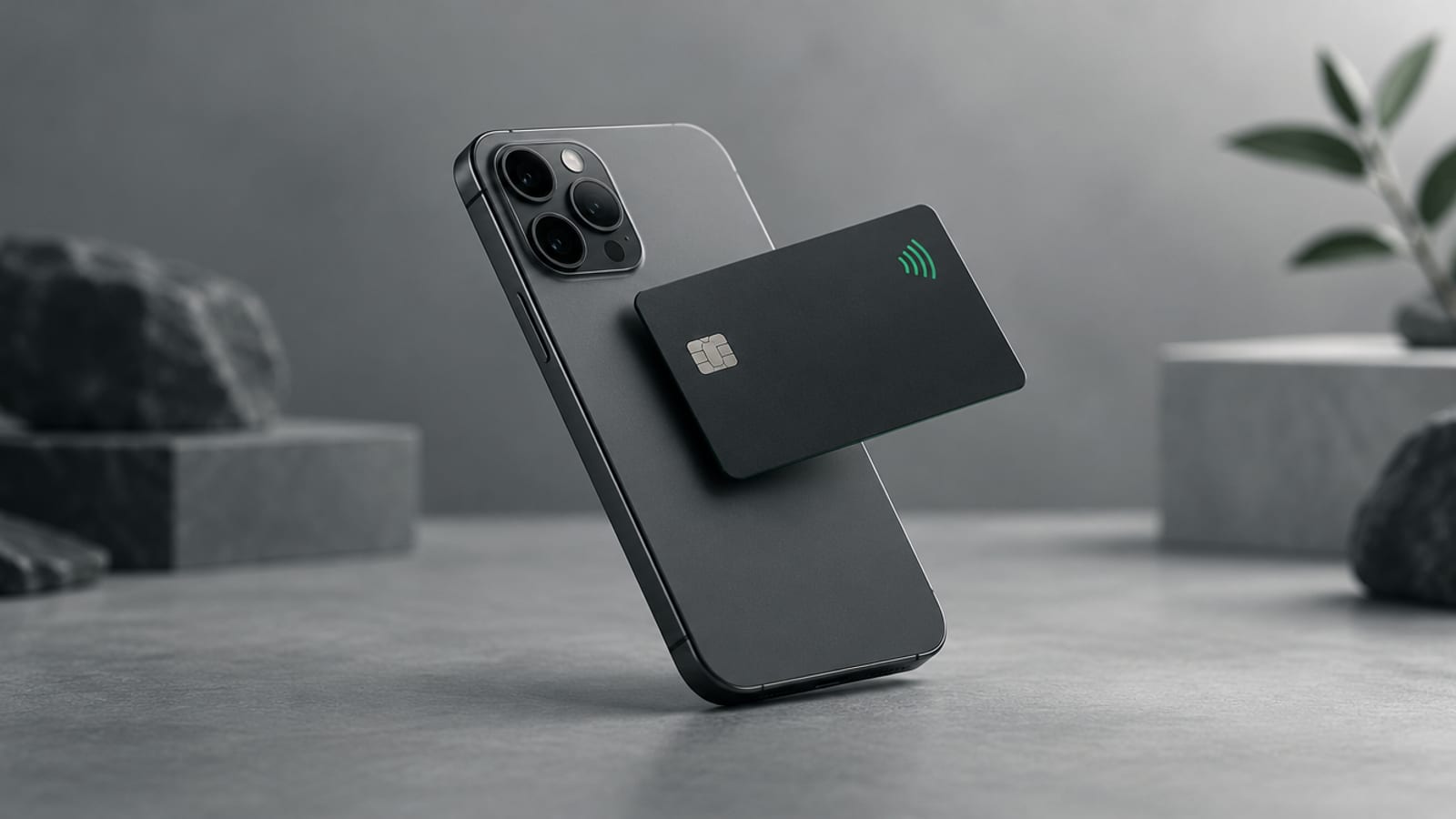
Tangem Wallet is a hardware wallet shaped like a bank card. The private key is created on a chip inside the card, and you sign transactions by tapping the card against your phone. Backup works by copying the key to one or two extra cards, with an optional seed phrase.
That design removes the paper phrase many people find hard to protect, but it adds its own risks. This review covers how Tangem Wallet works, its XRP support, the setup steps, the risks and what a card wallet does not protect against. Facts come from Tangem’s own help center as of October 2026.
How does Tangem Wallet work?
Tangem Wallet is a set of two or three NFC cards, or a card and a ring, made by Tangem AG in Switzerland. Each device has a secure element chip. Tangem says the chip is a Samsung S3D232A. The private key is generated offline inside that chip.
The Tangem app on your phone shows balances and builds transactions. The card signs them. Tangem says the phone and app store no sensitive information. If your phone breaks, you install the app on a new phone, scan a card and enter your access code.
Each card is protected by an access code. After six wrong attempts, Tangem adds a delay before each new try, up to 45 seconds.
How does Tangem Wallet back up your keys?
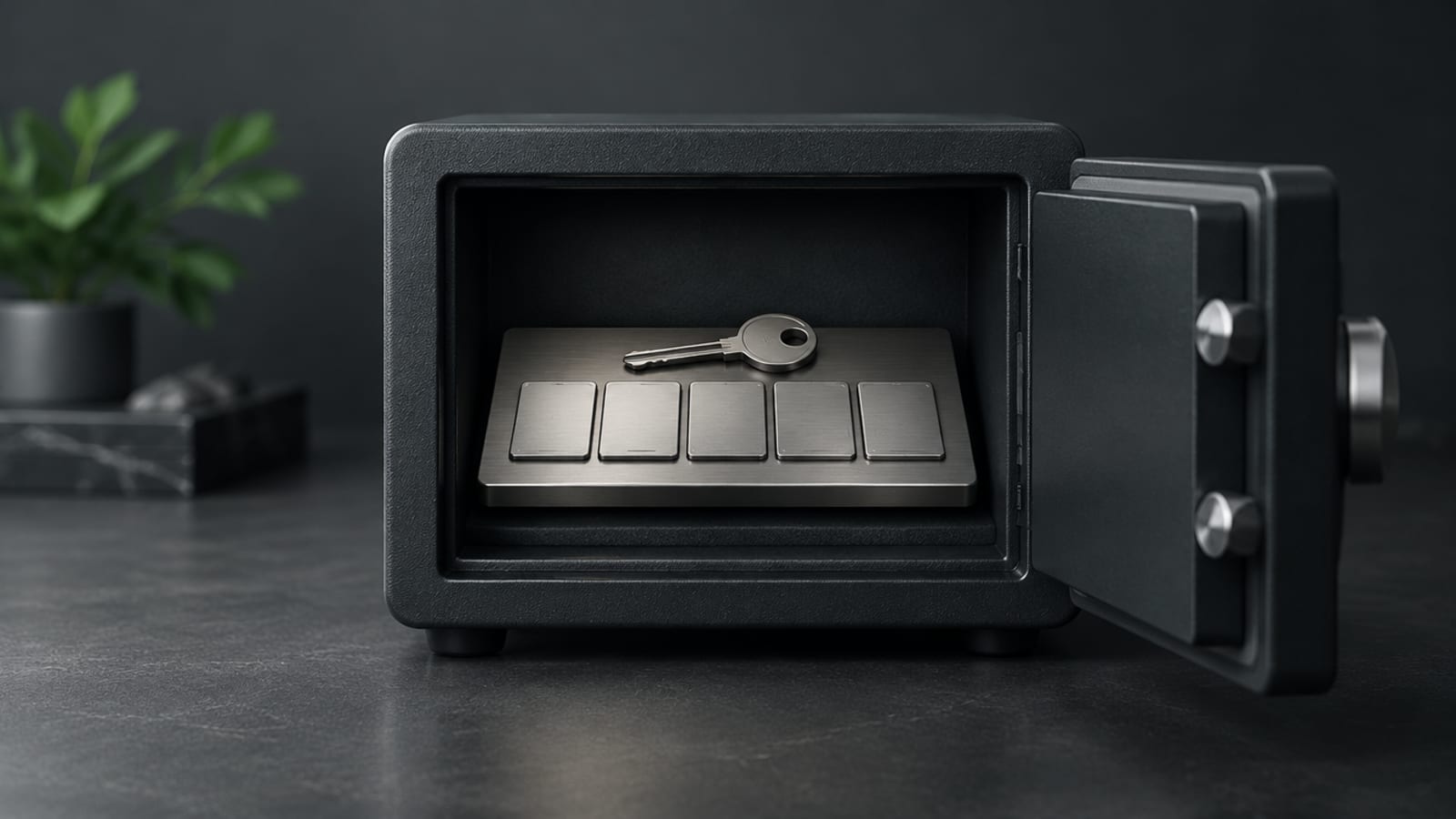
Tangem Wallet backs up by copying the private key to one or two other cards in the set during setup. All cards in the set then hold the same key and work the same way.
Tangem sets two rules worth knowing:
- Backup happens once. If you add one backup card, you cannot add more later. You also cannot add a card from a new set to an old wallet.
- A lost card cannot be blocked. All cards share one key, so Tangem cannot tell which one was lost. The access code is what protects it.
Tangem also offers a seed phrase mode. During setup you can choose to generate a 12- or 24-word phrase, or import one of 12 to 24 words. Tangem says the phrase is not stored on the card or in the app. The key is derived from it and placed on the chip. If you lose every card, the phrase can restore the wallet on a new Tangem set. Without a phrase, Tangem says losing every card means losing the funds. Our seed phrase guide explains the trade-offs.
Does Tangem Wallet support XRP?
Yes, Tangem Wallet supports XRP. Tangem lists the XRP Ledger among its supported networks as of October 2026.
Tangem’s help center says you can add XRP Ledger tokens in the app’s token manager and open a trust line from the token’s page. Two XRP Ledger rules apply, as Tangem notes. The account must hold at least 1 XRP to activate. Each trust line reserves 0.2 XRP. Our trust line explainer covers how those reserves work.
One limit stands out: Tangem says you cannot close a trust line in the Tangem app. Closing one is how you get the 0.2 XRP reserve back.
Xaman, the XRP Ledger wallet app from XRPL Labs, supports a separate product: Xaman-branded Tangem cards built only for the XRP Ledger. Our Xaman vs Ledger vs Tangem comparison covers that option.
How do you set up a Tangem Wallet?
Setting up Tangem Wallet takes a phone with NFC and the official Tangem app. Check the app store listing for the current minimum iOS or Android version. Labels may differ in the current version of the app.
- Install the Tangem app from the official App Store or Google Play link on tangem.com.
- Scan the first card. The app checks that the card was made by Tangem and runs genuine firmware. A new card should show a create-wallet screen.
- Choose your backup method. Either let the card create the key, or pick the seed phrase option and write the words on paper.
- Scan your backup cards to copy the key to them.
- Set an access code, then scan each card again.
- Add XRP, send at least 1 XRP to activate the account, then send a small test transaction before moving anything meaningful.
What are the risks of Tangem Wallet?
The main Tangem Wallet risks come from losing cards and from where you buy them.
| Risk | What can happen | What helps |
|---|---|---|
| Losing every card | Funds are lost if no seed phrase exists | Store cards in separate places, or use seed phrase mode |
| Card already activated | Someone else may have made the key | Reset any card you did not set up yourself |
| Fake or tampered card | The app’s authenticity check fails | Buy from tangem.com or a listed reseller; contact Tangem if the check fails |
| Forgotten access code | Resetting it needs two cards from the set | Keep the cards apart, but never let the set drop to one card |
| Seed phrase exposed | Anyone with it controls the wallet | Paper only; never type, photograph or share it |
Tangem sells on its own site and lists authorized resellers. Tangem says its app can verify any card. Buying direct from tangem.com still removes doubt about where the cards have been.
What doesn’t a Tangem card protect against?
A Tangem card protects the private key, but it does not protect against approving a bad transaction. If a fake site or a scammer gets you to tap and sign, the card signs it.
A Tangem card also does not protect against:
- Wallet drainers, which trick you into signing approvals. See our wallet drainers guide.
- Wrong addresses or a missing destination tag when sending to an exchange.
- A seed phrase you typed into a website, which exposes the wallet whatever card you hold.
What to check next
Before buying, read Tangem’s current help pages on backup and XRP Ledger support, because features change. Decide before setup whether you want seed phrase mode, because the backup choice is made once. After setup, test restoring access with a backup card before you move a meaningful amount.
Sources
Sources
- All About Access Code, Tangem
- Device Loss & Recovery, Tangem
- How to Set Up With a Seed Phrase, Tangem
- Tangem Help Center: Coins & Tokens, Tangem
- How to Check Wallet Authenticity, Tangem
Frequently asked questions
How does Tangem Wallet work?
Tangem Wallet is a set of NFC cards or a ring with a secure chip. You tap a card on your phone, and the Tangem app shows your balances while the card signs transactions. The phone and app do not store the private key.
Does Tangem Wallet have a seed phrase?
It is optional. By default, Tangem backs up the key to one or two extra cards instead of a phrase. You can choose to generate a 12- or 24-word seed phrase during setup, or import an existing one.
Does Tangem support XRP?
Yes. Tangem lists the XRP Ledger among its supported networks. Tangem's help center says you can add XRP Ledger tokens and open trust lines in the app, but cannot close a trust line there.
What happens if I lose my Tangem card?
If you lose one card, the other cards in the set still open the wallet, and the access code protects the lost card. If you lose every card and never made a seed phrase, Tangem says the funds are lost.
Is it safe to buy a Tangem Wallet from Amazon or a reseller?
Tangem sells on its own site and lists authorized resellers. The Tangem app checks that a card is genuine. A new card should ask you to create a wallet; if it is already activated and you did not do it, reset it before use.
Can I use a Tangem card with Xaman?
Xaman supports Xaman-branded Tangem cards built for the XRP Ledger. Those cards work for the XRP Ledger only.
Education and commentary only, not financial advice. Crypto is volatile and you can lose money. Do your own research and speak to a qualified advisor before making investment decisions. Figures are as of November 4, 2026 and may have changed since.