
How to Buy a Hardware Wallet Safely: 6 Checks Before You Use It
How to buy a hardware wallet safely: where to buy, why a sealed box isn't proof, how to spot a pre-seeded or fake device, and 6 checks before your first coin moves.
Video coming soon.
Key takeaways
- A hardware wallet only protects you if you are the first and only person who knows its recovery phrase. Pre-seeded, tampered, counterfeit and unsolicited devices all attack that.
- Buy from the maker or a reseller on the maker's own list, and check the 'sold by' name on marketplace listings.
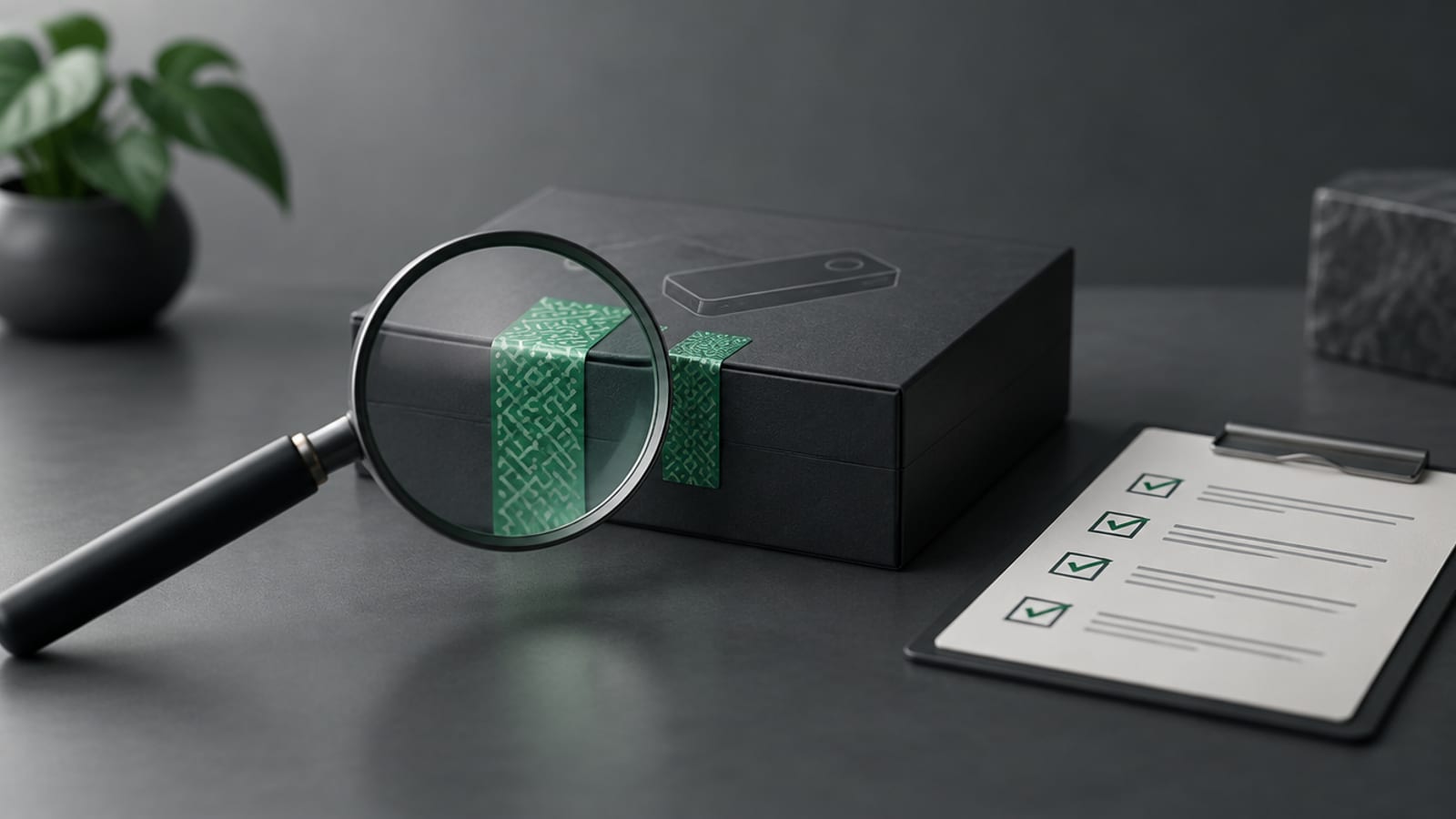
- An intact seal isn't proof. In a 2023 Kaspersky case study, a fake wallet had undamaged holographic stickers.
- A new device should arrive blank: no firmware (Trezor), no PIN (Ledger), not activated (Tangem). Never use a recovery phrase that came in the box.
- Run the maker's genuine check with an app from an official source, check your backup, and send a small test amount before moving anything large.
To buy a hardware wallet safely, buy it from the maker or a reseller on the maker’s own list, treat a sealed box as a starting point rather than proof, make sure the device arrives blank, and create the recovery phrase yourself on the device. Then run the maker’s genuine check, test your backup and send a small amount before you trust it with more.
A hardware wallet, also called a cold wallet, is a small device that keeps your private key offline and signs transactions for you. It only works if you are the first and only person who ever knew the key. This guide uses the makers’ own pages, from Ledger, Trezor and Tangem, to explain six checks. Bullrunners isn’t ranking or recommending brands.
How do hardware wallets get compromised before you open them?
Hardware wallets get compromised before you open them through supply chain scams, where someone sets up or alters the device on its way to you. The SEC’s investor bulletin on custody describes a seed phrase as a sequence of words that lets you restore your crypto wallet. Whoever knows that phrase controls the coins, wherever the device sits.
Ledger’s buying guide names four common supply chain scams:
| Scam | What happens | Ledger’s guidance |
|---|---|---|
| Pre-seeded device | “A bad actor generates a secret recovery phrase before a device reaches you” | Never use a phrase that came with the device |
| Tampered device | The device or packaging was opened or altered | “Do not use the device and contact Ledger Support immediately” |
| Counterfeit device | A fake that looks like the real product | Run the genuine check; if it fails, don’t use it |
| Unsolicited device | A “replacement” arrives that you never ordered | “If you receive a device you didn’t order, do not plug it in” |
On pre-seeding, Ledger says “the moment you fund the wallet, they can drain it remotely, because they hold the keys,” and adds: “The packaging may appear untouched.”
Can a hardware wallet be fake if the seal is intact?
Yes, a hardware wallet can be fake with an intact seal. In a May 2023 case study, the security firm Kaspersky examined a counterfeit Trezor wallet bought “through a popular classifieds website.” The holographic stickers on the box and device “were all present and undamaged.”
Inside, Kaspersky found a different chip from the genuine model, with its read-out protection switched off, and a case “held together with liberal quantities of glue and double-sided adhesive tape.” The firmware had been changed so that instead of a random phrase, the wallet handed out “one of 20 pre-generated seed phrases.” The attackers waited about a month after the first deposit before taking the funds. Kaspersky’s verdict: “the game was lost from the very moment the money first arrived in the Trojan wallet.”
A damaged box is a reason to stop. A perfect box is only a reason to keep checking.
Where is it safe to buy a hardware wallet?
The safest place to buy a hardware wallet is the maker’s own website or a reseller the maker lists by name. Ledger says “we encourage consumers to purchase via Ledger.com or an Authorised Reseller.” Trezor says: “Never buy a Trezor from an unauthorized third party,” because you can’t tell who had access to it before you.
On large marketplaces, Ledger’s tip is to “use the ‘Sold by’ information on the product page and cross-reference it against the official list.” Skip used, open-box and “like new” listings. Buying from the maker’s list lowers the risk but doesn’t remove it: in October 2026, Ledger said at least one device sold by CryptoBilis, a reseller on its official list, had an unauthorized hardware implant, as we covered in our report on the Ledger hidden chip attack. That is why the checks below still matter after you buy.
How do you know if a new hardware wallet has been tampered with?
You know a new hardware wallet may have been tampered with if the box is damaged or the device isn’t blank when you first switch it on. Trezor’s support page says your first step is to check “if your package is complete and has not been tampered with.” A new device should then arrive knowing nothing:
- Trezor: “All Trezor devices are distributed without firmware installed.” If firmware is already installed, “the device should not be used.”
- Ledger: “If your device comes already onboarded, with a PIN provided in the package, do not use that PIN.”
- Tangem: If the app shows “Wallet already activated” and you bought the device recently and didn’t activate it yourself, Tangem’s help center says to “reset the card to factory settings.”
If anything looks opened or altered, contact the maker’s support through its website, typed in by hand, not a phone number from a search result.
How do you check if a hardware wallet is genuine?
You check if a hardware wallet is genuine by running the maker’s own verification in the maker’s official app. Ledger describes its Genuine Check as “a cryptographic verification built into every Ledger signer,” and says if the check fails, “do not use the device.” Trezor says its app “will only accept the device if the installed firmware is correctly signed by SatoshiLabs,” the company behind Trezor. Tangem says to “download the app only from official sources: App Store, Google Play.”
The app matters as much as the device. Ledger warns that unofficial links and third-party stores are “common phishing vectors designed to compromise your device.” A genuine check can confirm the chip or firmware is real. It can’t protect a phrase someone else wrote for you.
Should a hardware wallet come with a recovery phrase?
No, a hardware wallet should never come with a recovery phrase. Ledger’s page says: “A legitimate Ledger device never comes with a recovery phrase or PIN code pre-configured. Ever.” That includes a phrase “written on a card” or “printed in the instructions.” Trezor says “you will need to generate a wallet backup during Trezor device setup.”
The only phrase to trust is the one that appears on the device’s own screen, during your own setup, written down by you. Ledger adds: “Never enter your secret recovery phrase into an application.” Our seed phrase guide covers how to store it.
What are the downsides of buying direct?
The main downside of buying direct is that your name and address go on the maker’s customer list. In July 2020, Ledger disclosed a data breach that exposed names, postal addresses and phone numbers for a set of its customers. In Bullrunners’ view, that isn’t a reason to buy from a stranger: a leaked address can’t sign for your coins, and a pre-seeded device can. It is a reason to treat any letter, email or parcel that mentions your wallet with suspicion.
The SEC’s bulletin sums up the trade-off of self-custody: you alone are responsible for your private keys and seed phrase, and a lost, stolen or damaged wallet can mean permanent loss. There is no help desk to reverse a theft.
The 6 checks before you use a hardware wallet
- Source. Buy from the maker or a reseller on the maker’s own list. Check the “sold by” name.
- Box. Inspect the packaging. An intact seal isn’t proof on its own.
- Blank device. No firmware, no PIN, not activated.
- Genuine check. Run the maker’s check with an app from the maker’s site or the official app store.
- Your own phrase. Create the recovery phrase on the device yourself. Never use one from the box.
- Test. Use your maker’s backup check if it has one, then send a small test amount and confirm you can see it and send it back out. Our guide to crypto test transactions explains how.
Bonus rule: if a device arrives that you didn’t order, don’t plug it in. App menus and labels change between versions, so follow your maker’s current setup guide.
What to check next
If you already own a hardware wallet, answer two questions honestly: where did the device come from, and who created the words you used to set it up? If you can’t trace the device to the maker or its listed reseller, or the phrase came from anywhere but the device’s own screen, treat the phrase as known to someone else. Before you buy another device, compare how different designs handle backups in our Xaman vs Ledger vs Tangem comparison.
Sources
- Crypto Briefing: Ledger confirms hardware implant in device sold by CryptoBilis (October 2026)
- Ledger Academy: Best Practices To Securely Buy Your Ledger Signer
- Trezor Support: Is my device safe to use?
- Kaspersky: Case study, fake hardware cryptowallet (May 2023)
- Tangem Help Center: How to Check Wallet Authenticity
- SEC Investor Bulletin: Crypto Asset Custody Basics for Retail Investors
Frequently asked questions
Is it safe to buy a hardware wallet on Amazon or another marketplace?
Ledger's guide says to check the 'Sold by' name on the product page against its official list of authorised resellers. A seller who isn't on the maker's list is the risk, even when the listing looks official.
My hardware wallet came with a recovery phrase card. Can I use it?
No. Ledger says a legitimate device 'never comes with a recovery phrase or PIN code pre-configured. Ever.' Any phrase in the box is someone else's key.
Can a hardware wallet be fake if the seal is intact?
Yes. In Kaspersky's 2023 case study, a counterfeit wallet bought through a classifieds website had intact holographic stickers and still handed out a recovery phrase the attackers already knew.
What if my Trezor already has firmware installed?
Trezor's support page says all its devices ship without firmware, and if firmware is already installed the device should not be used.
What should I do if a hardware wallet arrives that I didn't order?
Ledger says do not plug it in. Legitimate Ledger replacements are never sent unsolicited.
Does a genuine check prove my hardware wallet is safe?
It confirms the device or firmware is genuine, but it can't protect a recovery phrase that someone else created. That is why you must generate the phrase yourself on the device during setup.
Education and commentary only, not financial advice. Crypto is volatile and you can lose money. Do your own research and speak to a qualified advisor before making investment decisions. Figures are as of October 14, 2026 and may have changed since.